An L shaped desk setup is two desks in one corner, and it only works when the setup fits your room and your body. This guide is not another list of layouts. It is the setup itself: where the desk goes, how the L shaped desk office layout is arranged step by step, and the L-shaped desk ergonomics, monitor height, chair distance, elbow angle, that decide whether your back hurts at 5 p.m.
Table of Contents
What an L-shaped desk setup actually is
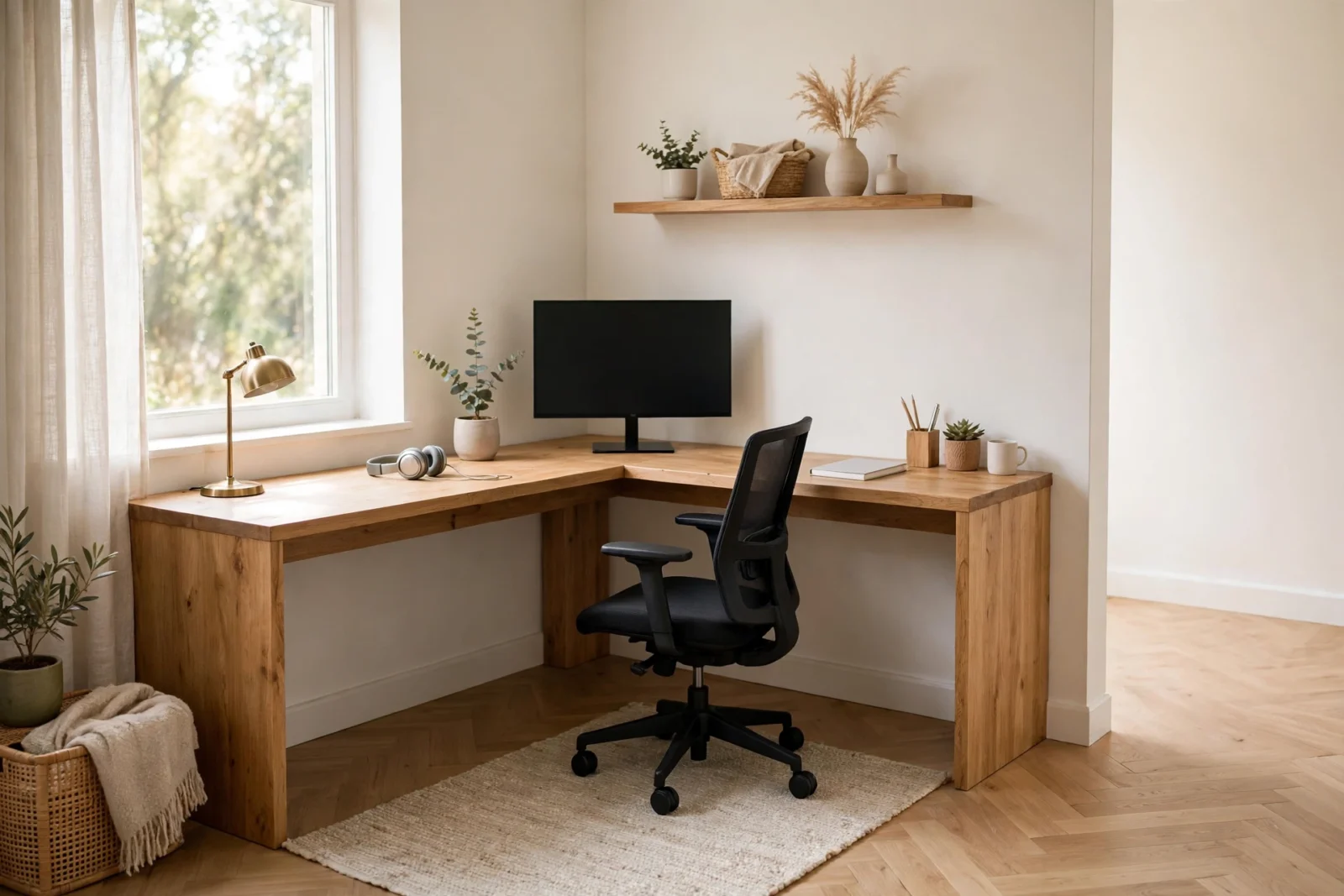
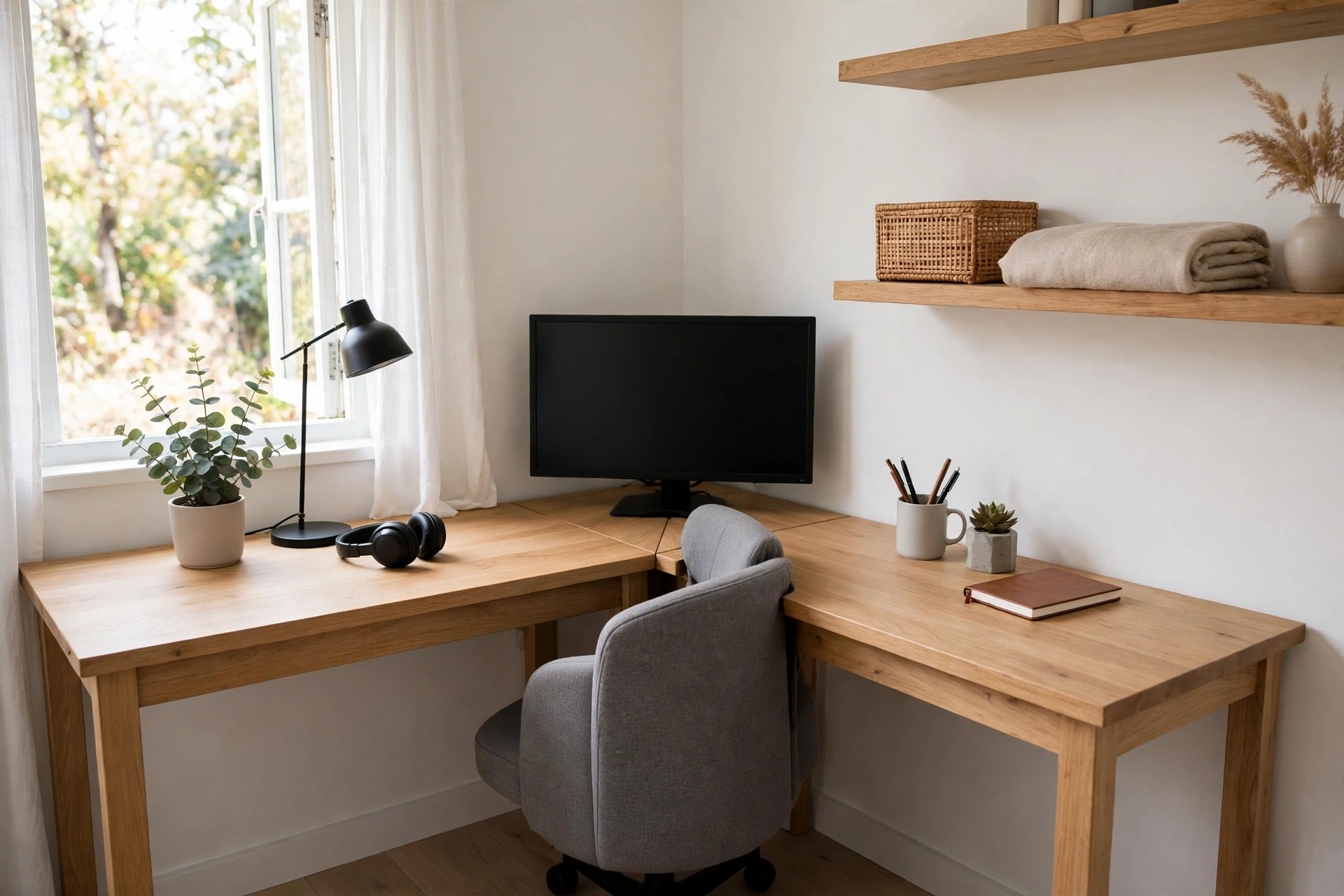
An L shaped desk setup means two desk surfaces meeting at 90 degrees in a corner. The long side is your main work side (monitor and keyboard). The short side is your second side (notebook, second screen, or reference books). Your body sits in the corner, and both arms reach a surface without rolling the chair.
The setup has three parts, in this order: layout (where the desk goes), ergonomics (where your body goes), and cable and storage (where everything else goes). Skip the order and you get a desk that fits the wall but not the person.
Step 1: Choose the corner (the L shaped desk office layout)
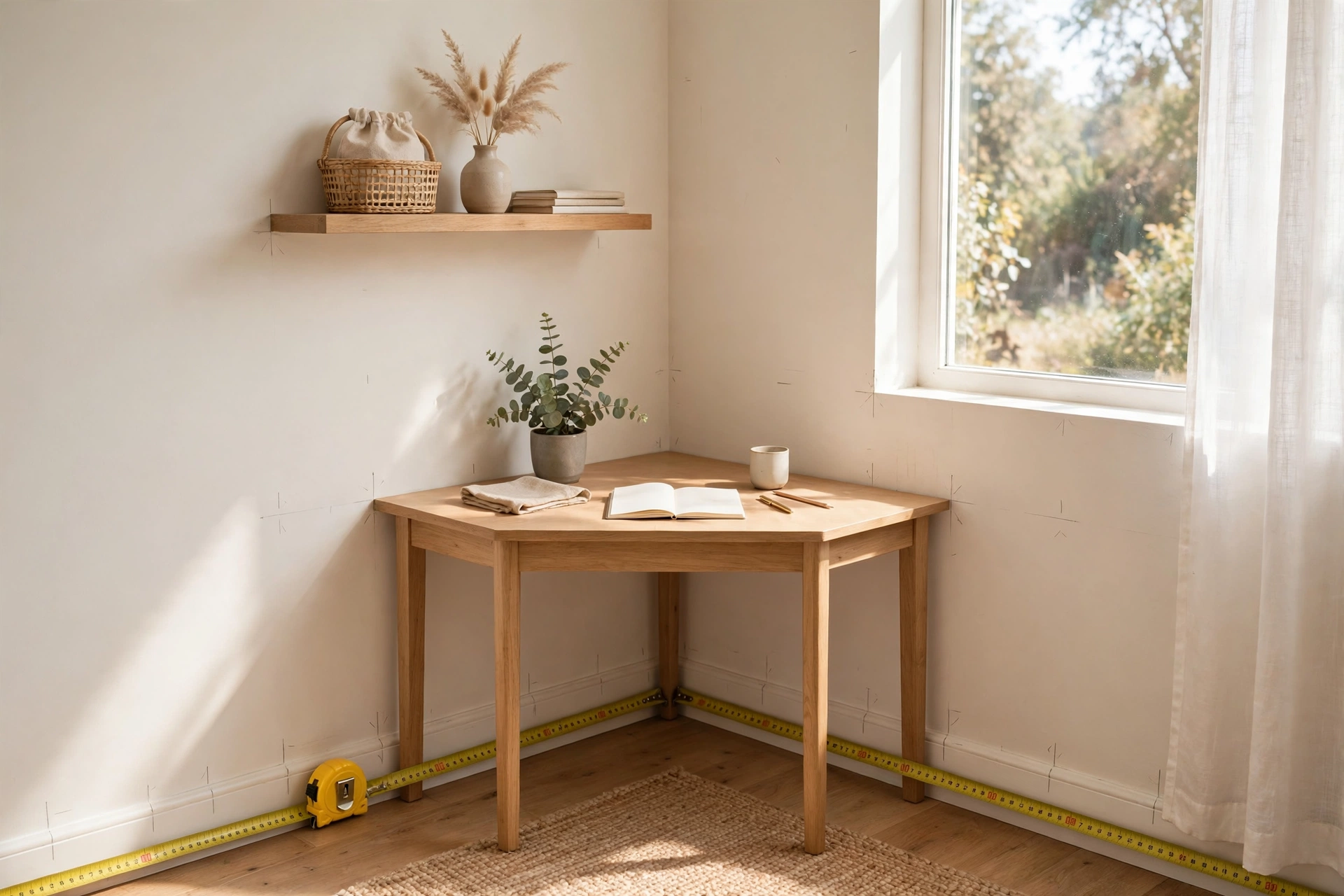
- Best corner: the one farthest from the door, nearest the plug sockets. You need 4 outlets minimum, monitor, laptop, lamp, phone.
- Measure both walls: long side needs 55–63 inches, short side needs 42–48 inches. Under that, the L-shape will crowd you, use a straight desk instead.
- Door swing: measure the door’s full arc. The desk must clear it, and the chair must clear it too when you stand up.
- Window rule: put the monitor at a right angle to the window. Never with the window behind the screen (glare) or behind you (your shadow on the screen).
Pick the corner first, and the rest of the L shaped desk setup gets easier, because every measurement in the next steps starts from this corner.
Step 2: Place the desk (corner desk setup in 5 moves)
- Push the long side against the longer wall, the short side against the shorter wall. The corner seam is where your body sits.
- Leave 30 inches behind the chair, measure from the desk edge to the nearest furniture. Under 24 inches, you will hit something every time you stand.
- Leave 30 inches of walkway between the desk edge and the bed, sofa, or door.
- Put the monitor on the long side, not in the corner seam. The seam is for your keyboard, not your screen.
- Put storage on the short side, a drawer unit under the short side, never under your knees on the long side.
With the desk in place, the L shaped desk setup starts to feel like a room instead of a pile of furniture. Sit in the chair and check the 30 inches behind you before you move on to ergonomics.
Step 3: Set your ergonomics (L-shaped desk ergonomics)
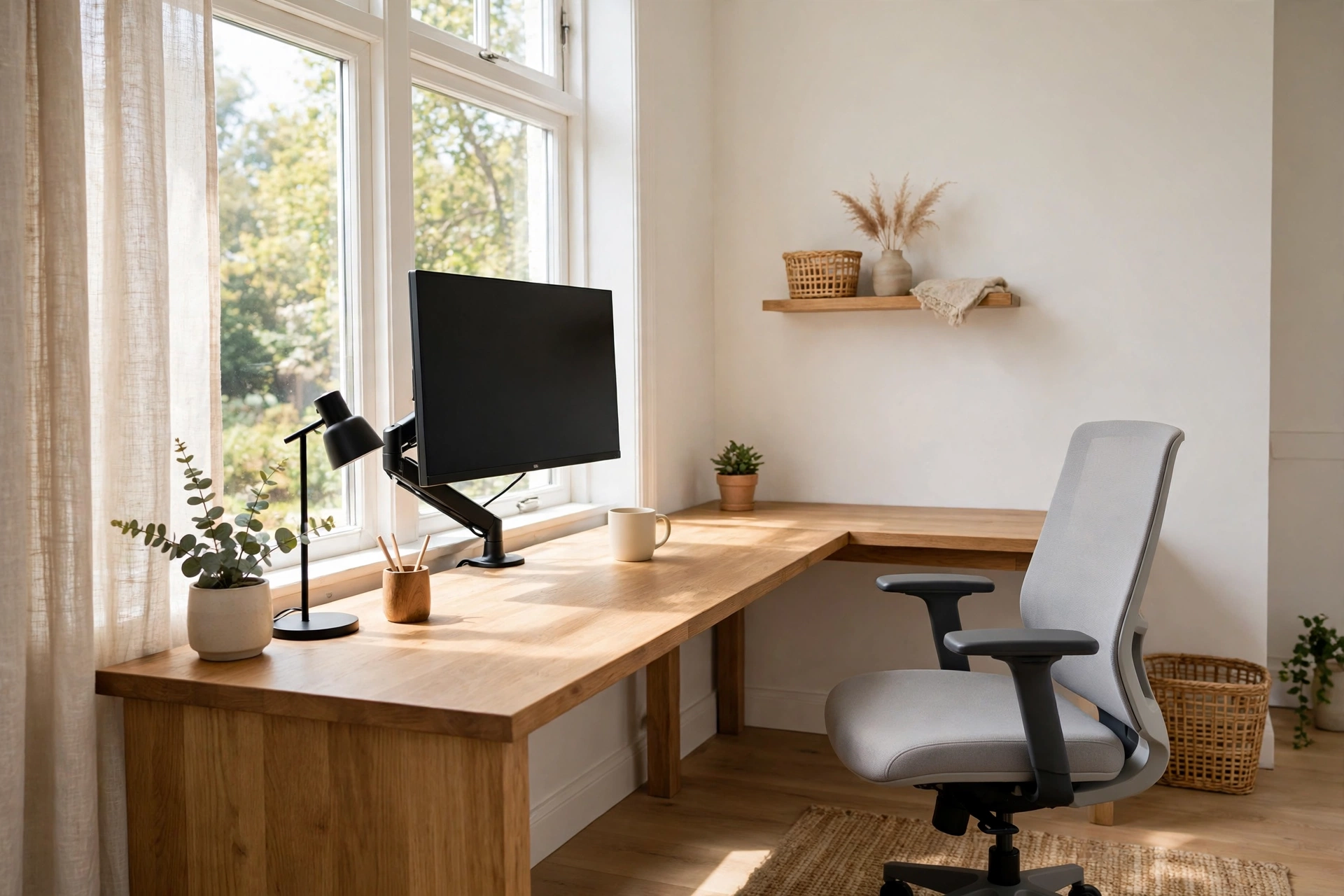
This is the part most setup guides skip, and the part your body notices first.
- Chair height: feet flat on the floor, knees at 90 degrees. If your feet dangle, the chair is too high, use a footrest, not a taller desk.
- Elbow angle: elbows at 90–100 degrees, forearms level with the desk. Desk height is 29–30 inches for most people; if your shoulders rise when you type, the desk is too high.
- Monitor height: top of the screen at or just below eye level, screen 20–26 inches from your eyes. On a 20-inch-deep desk, use a monitor arm, a stand puts the screen too close.
- Monitor angle: tilt the screen back 10–20 degrees, and angle the second monitor 15–20 degrees toward you if you use one.
- Keyboard position: centred on the corner seam, 4–6 inches from the desk edge, with a wrist rest if you type more than 4 hours a day.
- The 20-20-20 rule: every 20 minutes, look at something 20 feet away for 20 seconds. No setup, however ergonomic, replaces moving.
L-shaped desk ergonomics in one sentence: screen at eye level, elbows at 90 degrees, feet flat, if one of the three is wrong, fix that one first.
These are the same numbers in the OSHA computer workstation guide, which covers monitor height, elbow angle and foot position for desk work.
Step 4: Arrange the two sides (what goes where)
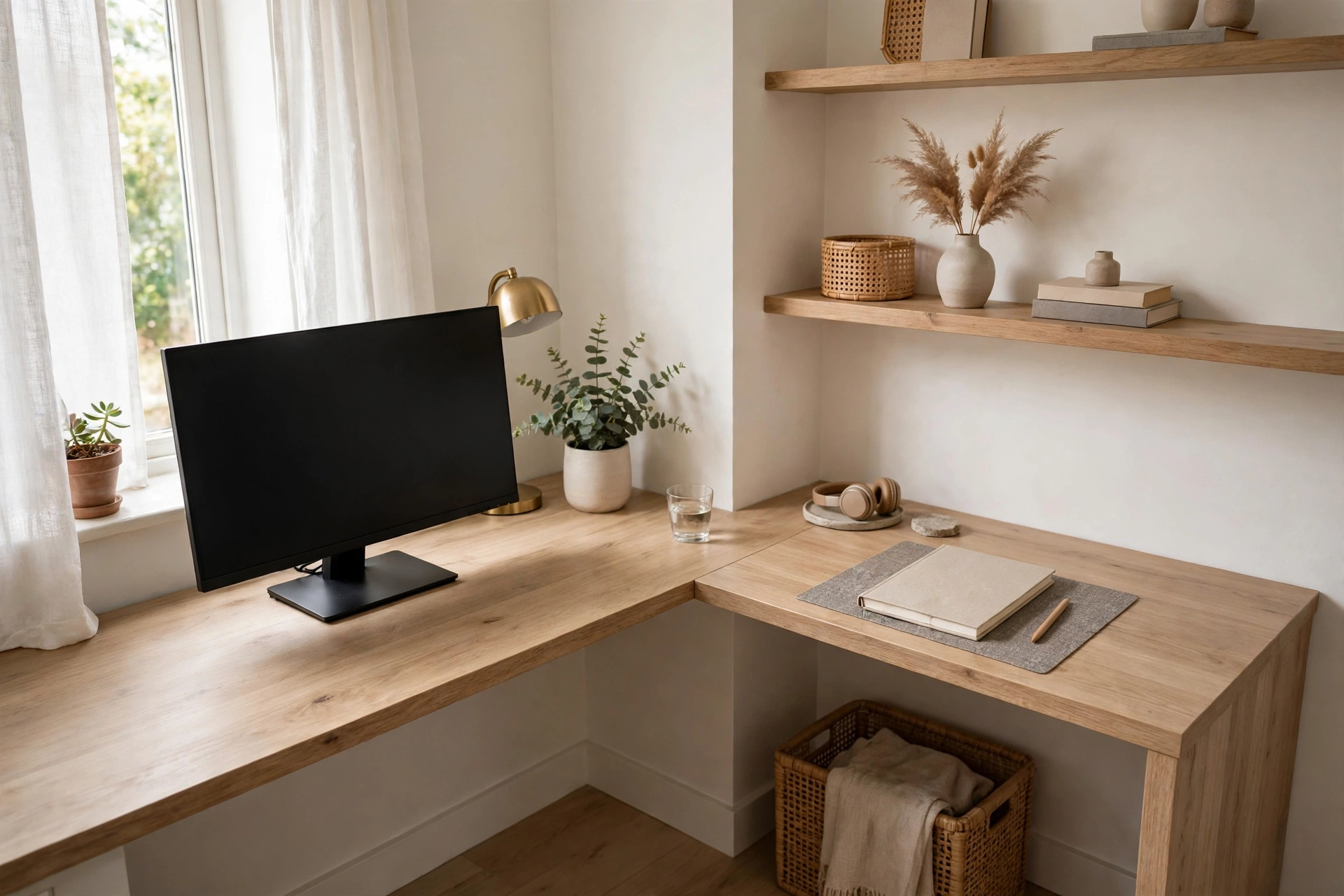
- Long side (main): monitor, keyboard, mouse. Nothing else in the 16 × 12 inch mouse rectangle.
- Short side (second): notebook, second screen, reference books, or phone. This is the side you turn to, not the side you live on.
- Corner seam: keyboard and a small tray. Do not put the monitor in the seam, it will sit too close and too far to one side at the same time.
- Under the desk: one drawer unit under the short side. Keep the long side clear for your legs, 24 inches wide × 27 inches high of knee clearance.
A tidy L shaped desk setup keeps the long side clear for work and the short side for everything else, so check both sides before you move on to cables and light.
Step 5: Cables and light (finish the setup)
- Cables: one cable tray under the long side, one 4–6 outlet power strip fixed with adhesive clips. No cables on the floor.
- Light: a desk lamp with a 2700–3000K warm bulb on the short side, so the light comes from the side, not from behind the monitor.
- Video calls: sit facing the corner, so the camera sees the wall and a shelf, not the whole room.
Once cables and light are done, the L shaped desk setup is finished. Walk the room once: nothing on the floor, lamp on the short side, screen on the long side.
5 L shaped desk ideas for small rooms
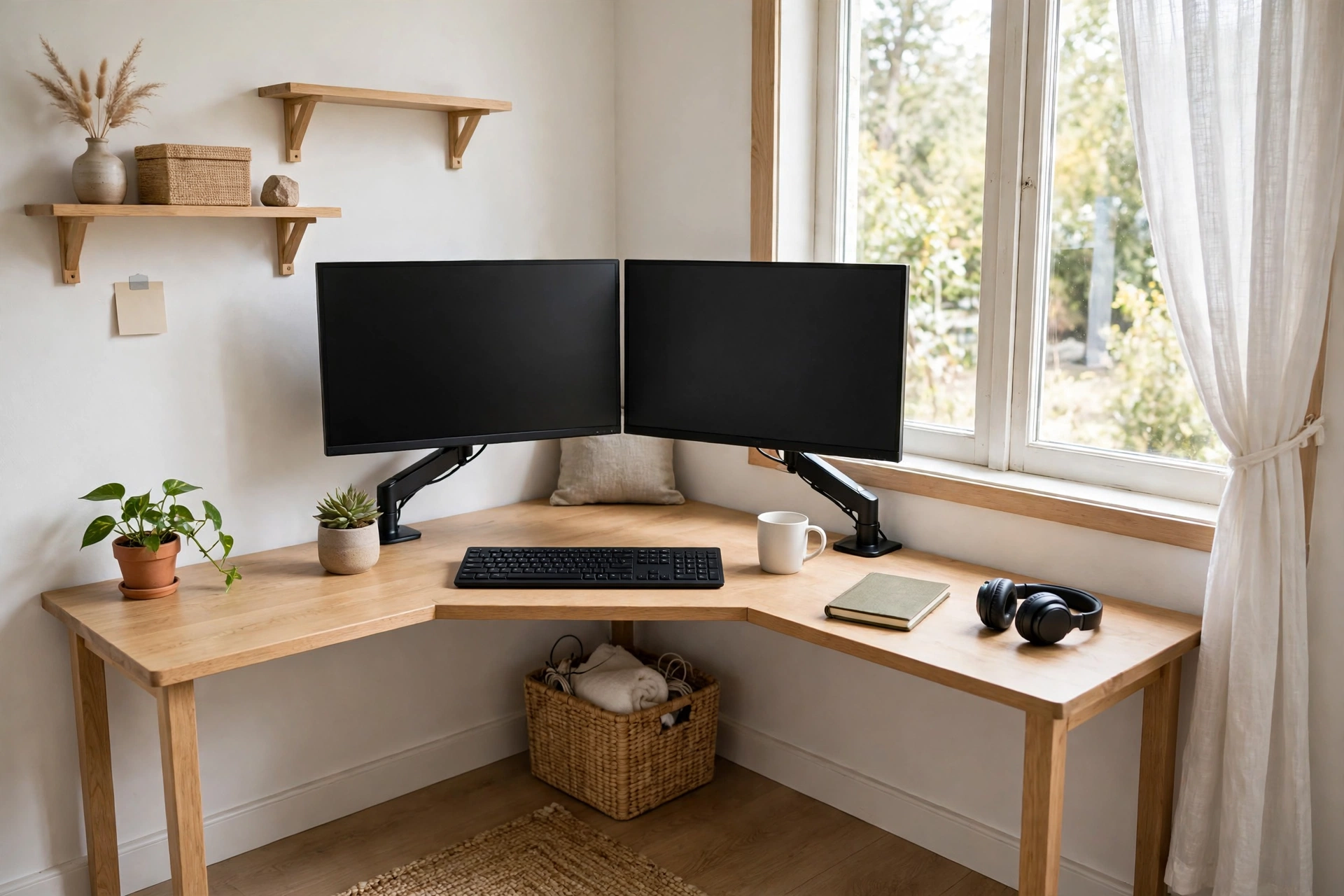
Use these five ideas as starting points, then adjust the measurements to your room. Every L shaped desk setup below keeps the monitor on the long side and storage on the short side.
- The writing corner: long side for the laptop, short side for notebooks and a lamp. No second monitor, the short side stays a writing surface.
- The dual-screen corner: main monitor long side, second monitor short side, both on arms. Needs a 60-inch long side and 24-inch depth.
- The study corner: long side for the computer, short side for textbooks on a small shelf above the desk. The shelf starts 18 inches above the desk.
- The craft corner: long side for the work, short side for tools on a pegboard. The pegboard is 24 × 36 inches, on the side wall.
- The shared corner: two people, one desk, long side for one person, short side for the other, a 12-inch plant in the seam as the boundary. Each person needs 30 inches of width.
5 setup mistakes (and the fix)
- Monitor in the corner seam. Fix: move it to the long side, on an arm.
- Chair with no pull-out space. Fix: measure 30 inches behind the chair before you buy the desk.
- Storage under your knees. Fix: move the drawer unit to the short side.
- Desk too high, chair too low. Fix: set the chair so feet are flat, then check elbows at 90 degrees, adjust the chair, not the desk.
- Cables across the floor. Fix: one tray, one power strip, fixed under the desk.
Avoid these five and the L shaped desk setup stays comfortable long after the first week.
FAQ
How do I set up an L-shaped desk in a small room?
Push the long side (55–63 inches) against the longer wall and the short side (42–48 inches) against the shorter wall. Leave 30 inches behind the chair and 30 inches of walkway. Put the monitor on the long side, storage under the short side, and cables in a tray under the desk.
What is the best L shaped desk office layout?
The monitor on the long side, the keyboard centred on the corner seam, and the second side for notebooks or a second screen. Your body sits in the corner, elbows at 90 degrees, screen 20–26 inches away, top of the screen at eye level.
How far should a monitor be on an L-shaped desk?
20–26 inches from your eyes, top of the screen at or just below eye level, tilted back 10–20 degrees. On a 20-inch-deep desk, use a monitor arm to get the distance right.
What are good L-shaped desk ergonomics?
Feet flat on the floor, knees at 90 degrees, elbows at 90–100 degrees, monitor at eye level 20–26 inches away. Add the 20-20-20 rule: every 20 minutes, look 20 feet away for 20 seconds.
Where should I put my L-shaped desk?
In the corner farthest from the door, nearest the plug sockets (4 outlets minimum), with the monitor at a right angle to the window. Never put it in the door corner.
How much space do I need for an L-shaped desk setup?
The desk needs 55–63 inches on the long wall and 42–48 inches on the short wall, plus 30 inches behind the chair. In total, a 24-inch-deep desk needs 54 inches of floor depth (desk + chair pull-out).
Start today (3 steps)
- Measure the corner, both walls, 30 inches behind the chair, 4 outlets.
- Place the desk, long side on the long wall, monitor on the long side, storage on the short side.
- Set your ergonomics, feet flat, elbows at 90 degrees, screen at eye level 20–26 inches away.
An L shaped desk setup is not about the desk, it is about the order: corner first, desk second, body third. Get the order right, and the smallest corner becomes the most comfortable seat in the house.